Staying Safe in Video Chats — Omegla.Cam
Jumping into your first video chat can be exciting—safety makes it better. This guide shows you how to protect your privacy, set boundaries, and enjoy authentic conversations on Omegla.Cam.
Real-time chats are spontaneous and unfiltered. With a few simple precautions—camera framing, privacy hygiene, respectful behavior, and quick reporting—you can keep things fun and secure.
Below you’ll find essential safety tips, what to avoid, and how to get the most out of Omegla.Cam while staying in control.
🌍 Connect Globally—with Care
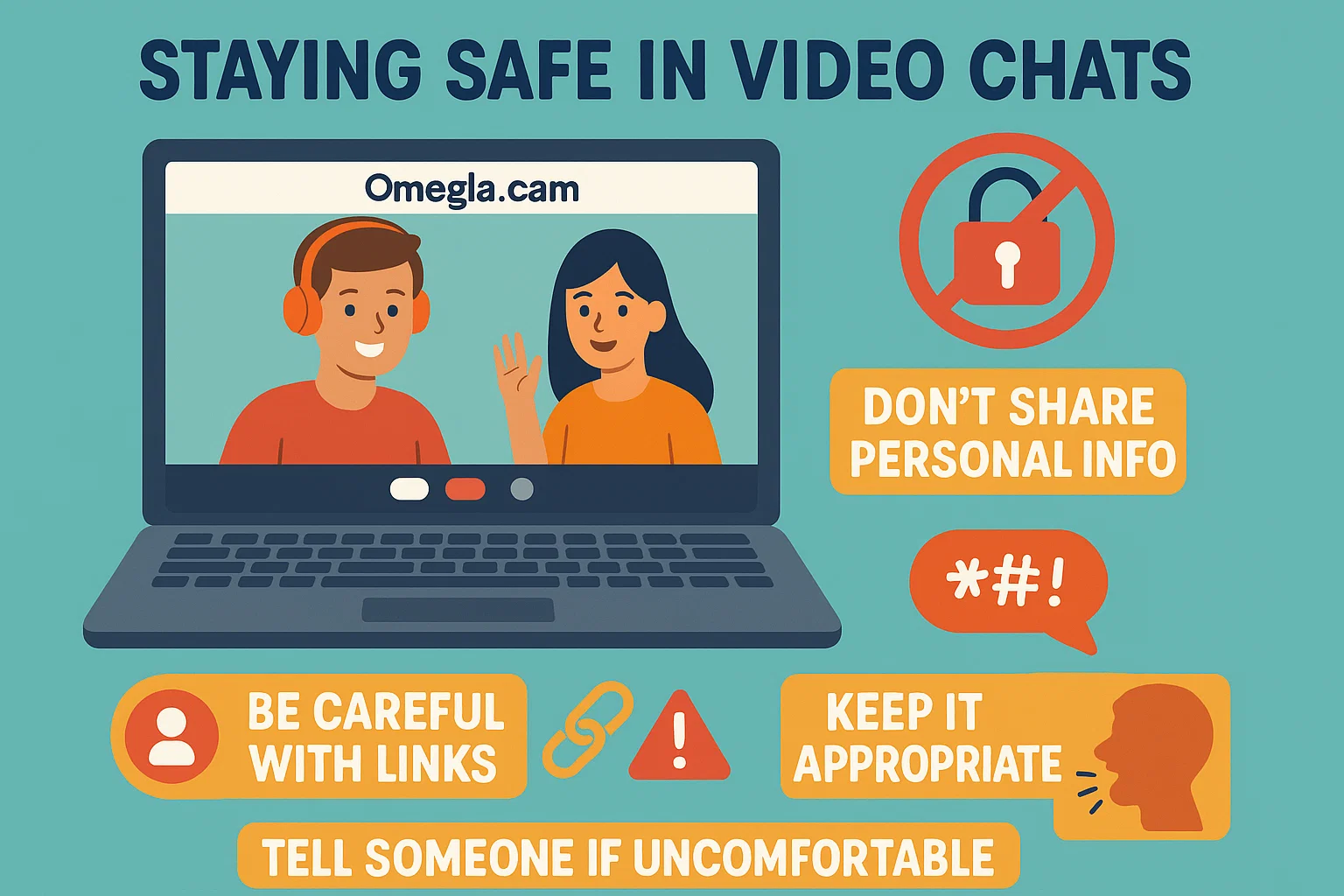
Omegla.Cam connects you with people from around the world. Treat each new chat as public: never share personal details like your full name, address, workplace, school, phone, or financial info.
The platform is fully browser-based—no downloads required. Keep your browser and device updated, and use a modern, secure browser for the best privacy and security.
💡 Safety Tips for Your First Video Chat
Choose a quiet, well-lit space with a neutral background. Hide identifiable items (certificates, mail, street views) and use headphones to avoid broadcasting your audio.
Stay private: do not click unknown links or scan QR codes shared in chat. Decline requests to move to untrusted apps or share screens. If a chat feels off, disconnect—no explanation needed.
Use built-in tools: report inappropriate behavior, block quickly, and move on. Trust your instincts—comfort first, conversation second.
📱 Mobile Safety in 2025
On mobile, review camera and microphone permissions, keep your OS updated, and consider using a privacy screen in public spaces.
Avoid public Wi-Fi you don’t trust. If you must use it, avoid sharing sensitive data and close the session when finished.
Use strong device security (PIN/biometric) and sign out of shared devices to prevent unauthorized access.
🎉 Fun, Respect & Boundaries
Great chats start with respect. Be kind, avoid harassment, and remember: “No” is a complete sentence. Set boundaries early—topics you’re okay with, camera on/off, and how long you want to chat.
If someone ignores your boundaries, leave the chat and report the behavior. Safety and comfort come first—always.
Essential Highlights for Safer Video Chats
Privacy First
Keep personal details off-camera and out of chat. Use a neutral backdrop and a nickname.
Smart Links
Don’t click unknown links or QR codes. Report phishing attempts immediately.
Fast Reporting
Use report/block tools at the first sign of harassment or suspicious behavior.
Boundaries Matter
Decide your comfort rules in advance—topics, duration, and camera preferences.
✅ Pros of Safe Video Chatting
- Instant connections with privacy-first habits
- Clear boundaries reduce awkward or unsafe moments
- No downloads—lower risk of installing harmful software
- Report/block tools help you move on quickly
- Works for both video and text-only comfort levels
- Encourages respectful, lighthearted engagement
- Global conversations without sharing personal details
- Memorable chats with better control over exposure
❌ Risks to Watch Out For
- Random matches may ignore boundaries
- Not every chat will feel respectful or meaningful
- Pressure to share personal info—decline and exit
- Phishing links or QR codes—never engage
- Screen-share requests—avoid unless you fully trust the person
- Public Wi-Fi can expose your traffic—use with caution